
Collect Every Photo From Your Event — Without an App
HiveMoments is a private event photo-sharing platform that lets guests upload photos and videos by scanning a QR code — no app download required. Perfect for weddings, baby showers, birthday parties, and corporate events.
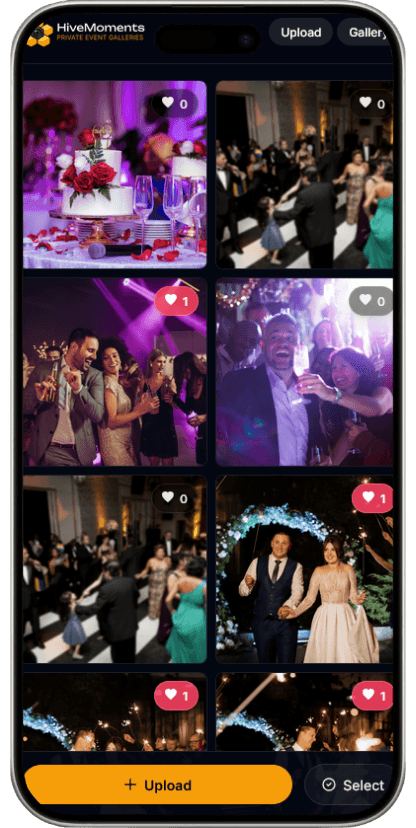
Create Your Event
in Minutes
Set Up in Minutes
Name your event, set your dates, and share in under two minutes.
No App Required
Guests upload from their browser — no downloads or accounts needed.
Private by Default
Only your guests can access your event gallery.
Collect Photos in
3 Simple Steps
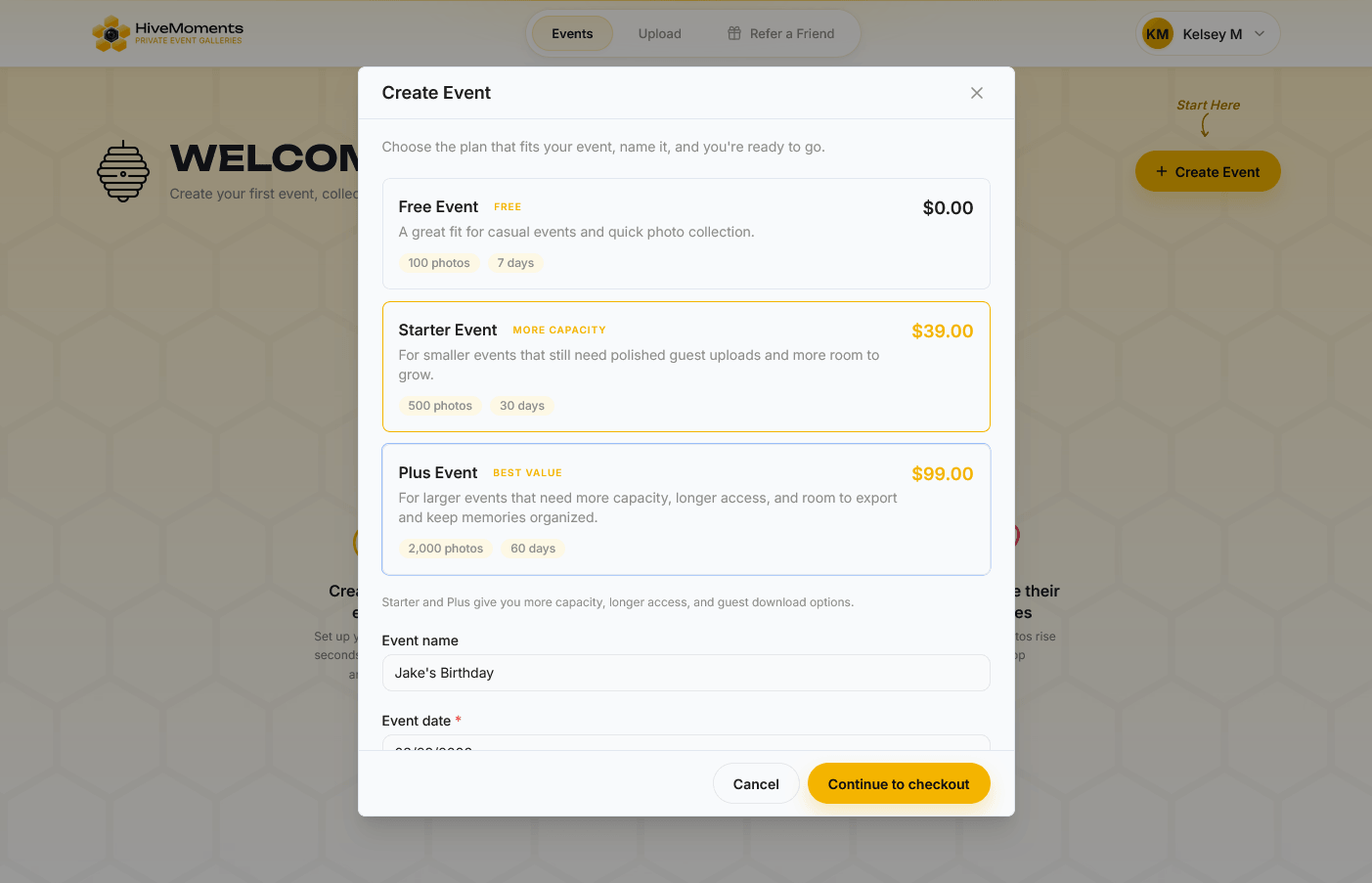
Create Your Event
Set up your event in minutes. No complicated settings — just tell us your event and you’re ready to go.
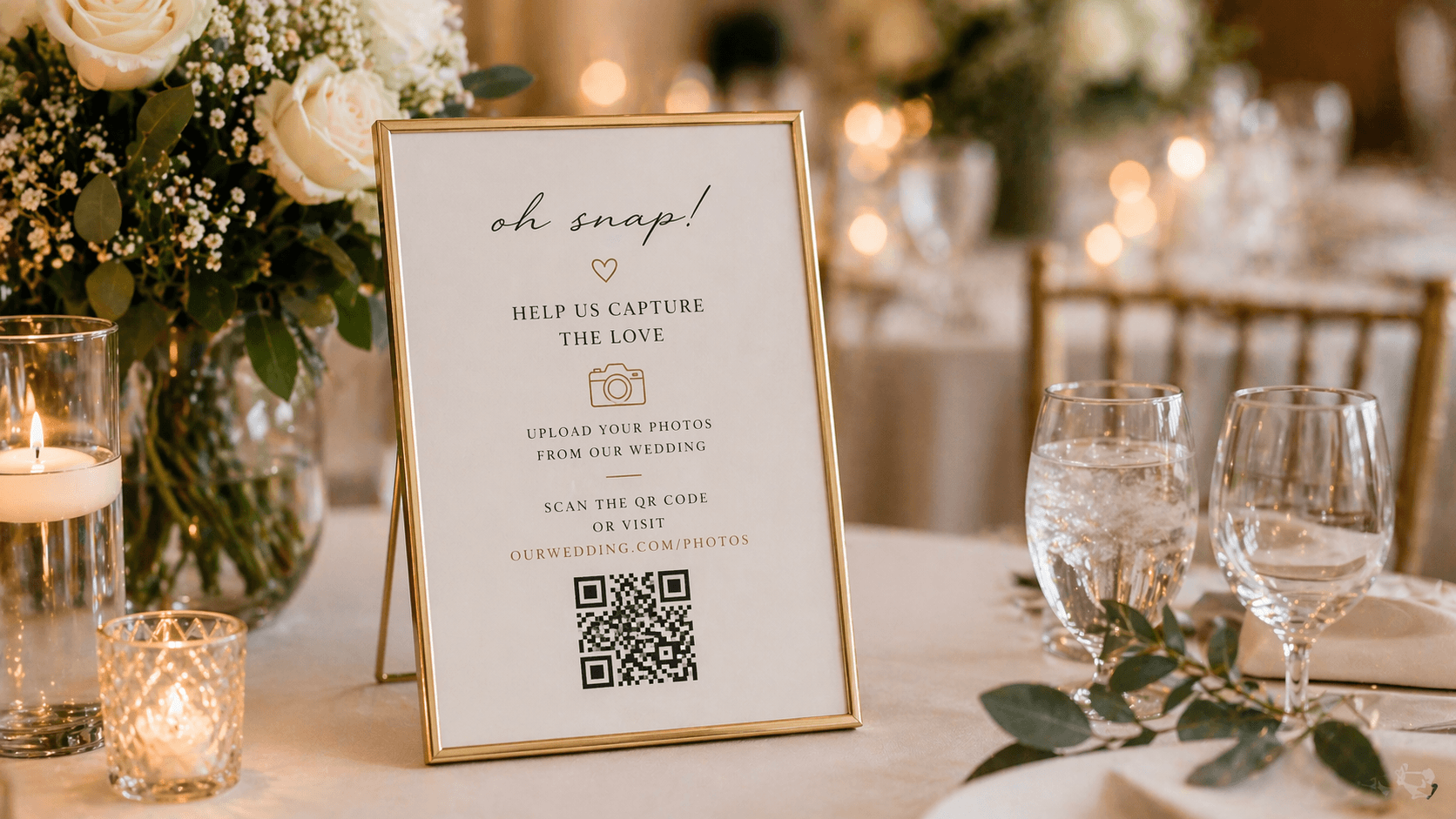
Share With Guests
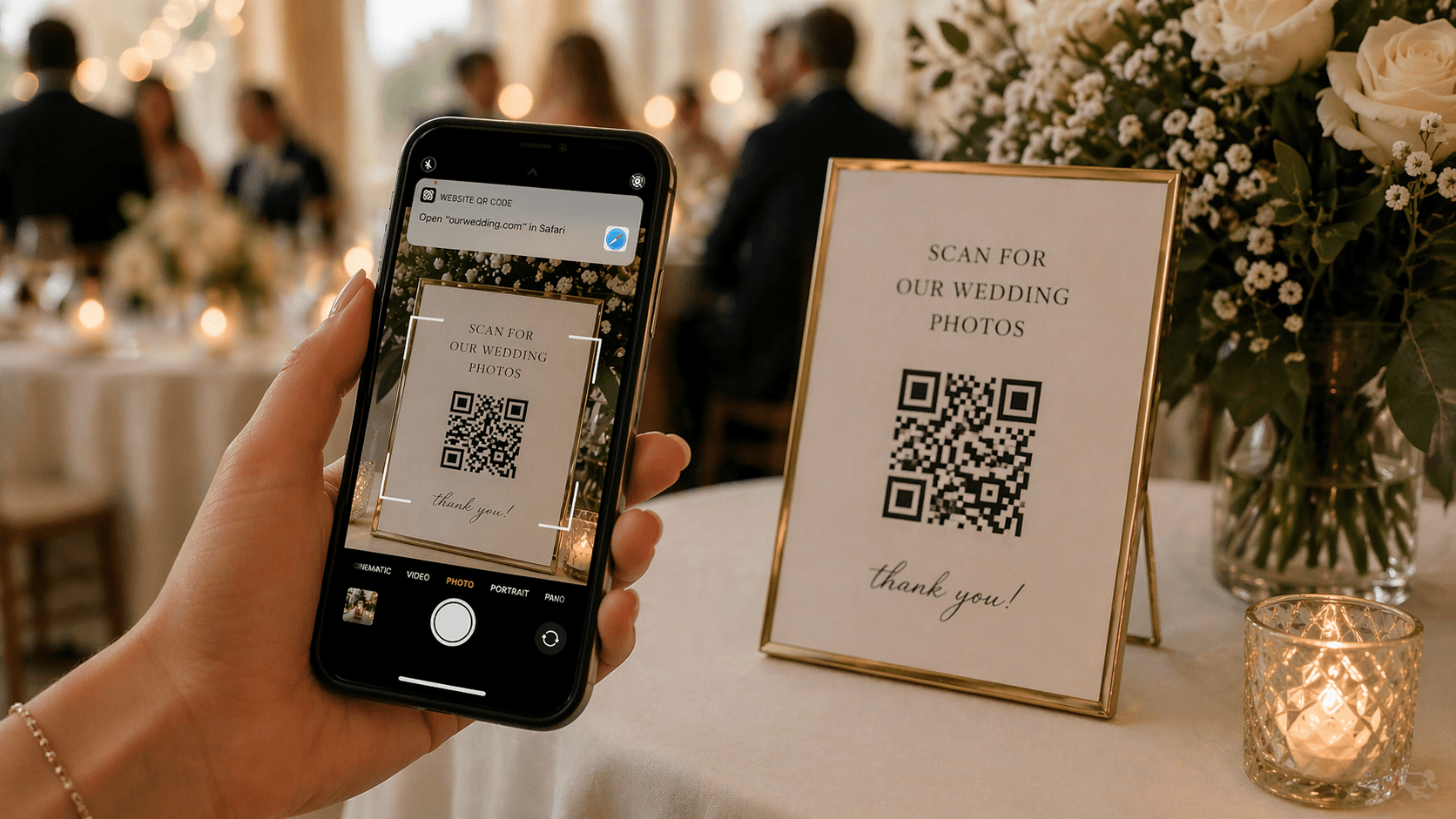
Send your link or QR code. Guests can scan it on the spot or download a printable version.
Guests Upload Instantly
Guests upload photos and videos directly from their phones during your event — no app, no account needed.
Enjoy Everything in One Place
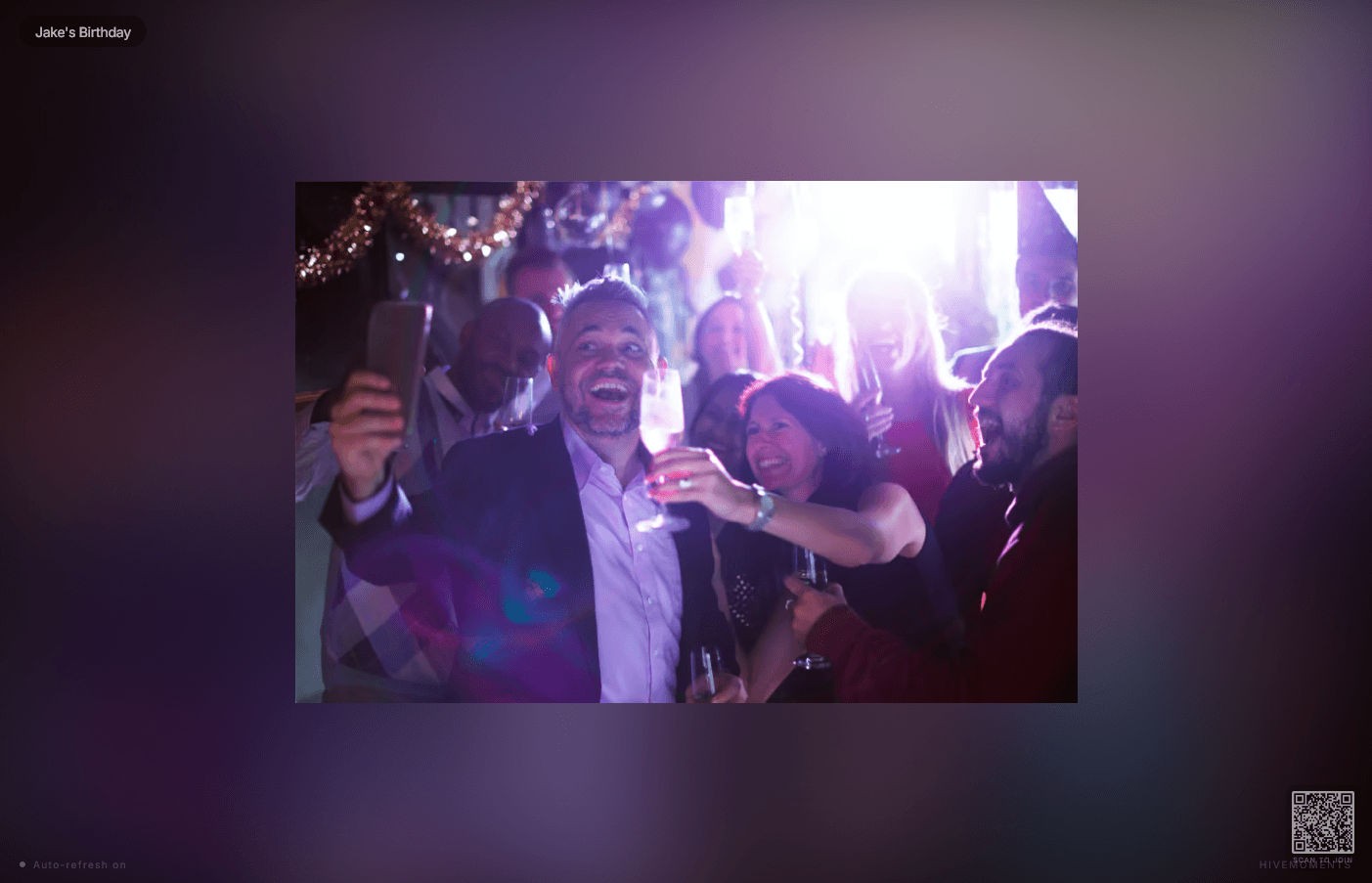
Watch your gallery come to life in real time. Play a live slideshow, download all your memories, and relive every moment.
No app. No hassle. Just effortless photo collection.
You’re Always in Control
Still Have Questions? Here’s Everything You Need to Know.
Do guests need to download an app?
No — guests upload directly from their phone browser. No app download, no account creation, no friction. They scan your QR code or tap your link and they’re ready to upload in seconds.
Is the gallery private?
Yes. Your gallery is private by default. Only guests with your link or QR code can view or upload photos. You control who has access at all times.
Can I moderate photos before they appear?
Absolutely. Enable photo approval in your event settings and every upload sits in a review queue until you approve it. Nothing appears in the gallery without your sign-off.
Can I download all the photos after the event?
Yes. Download your entire gallery as a ZIP file in full resolution at any time — during the event or after. Your memories, yours to keep.
How many photos can guests upload?
That depends on your plan. Starter includes up to 1,000 photos and videos. Plus gives you unlimited uploads (fair use applies). Check the Pricing page for full details.
What happens when my gallery access ends?
Once the gallery window closes, guests can no longer view or upload — but everything you’ve already downloaded is yours to keep. You can extend access at any time from your dashboard.
Can I upgrade later?
Yes. Upgrade your plan or extend gallery access at any time from your dashboard — even after your event has started. Nothing is lost when you upgrade.
Ready to capture every moment?
Create your free event gallery in minutes. No app for guests. Every photo, every memory — in one private gallery.