

Collect Wedding Guest Photos With One Simple QR Code
The easiest way to collect wedding guest photos and videos is with one simple QR code. HiveMoments creates a private wedding gallery where guests upload directly from their phone — no app download, no group text chaos, and no chasing people after the reception.
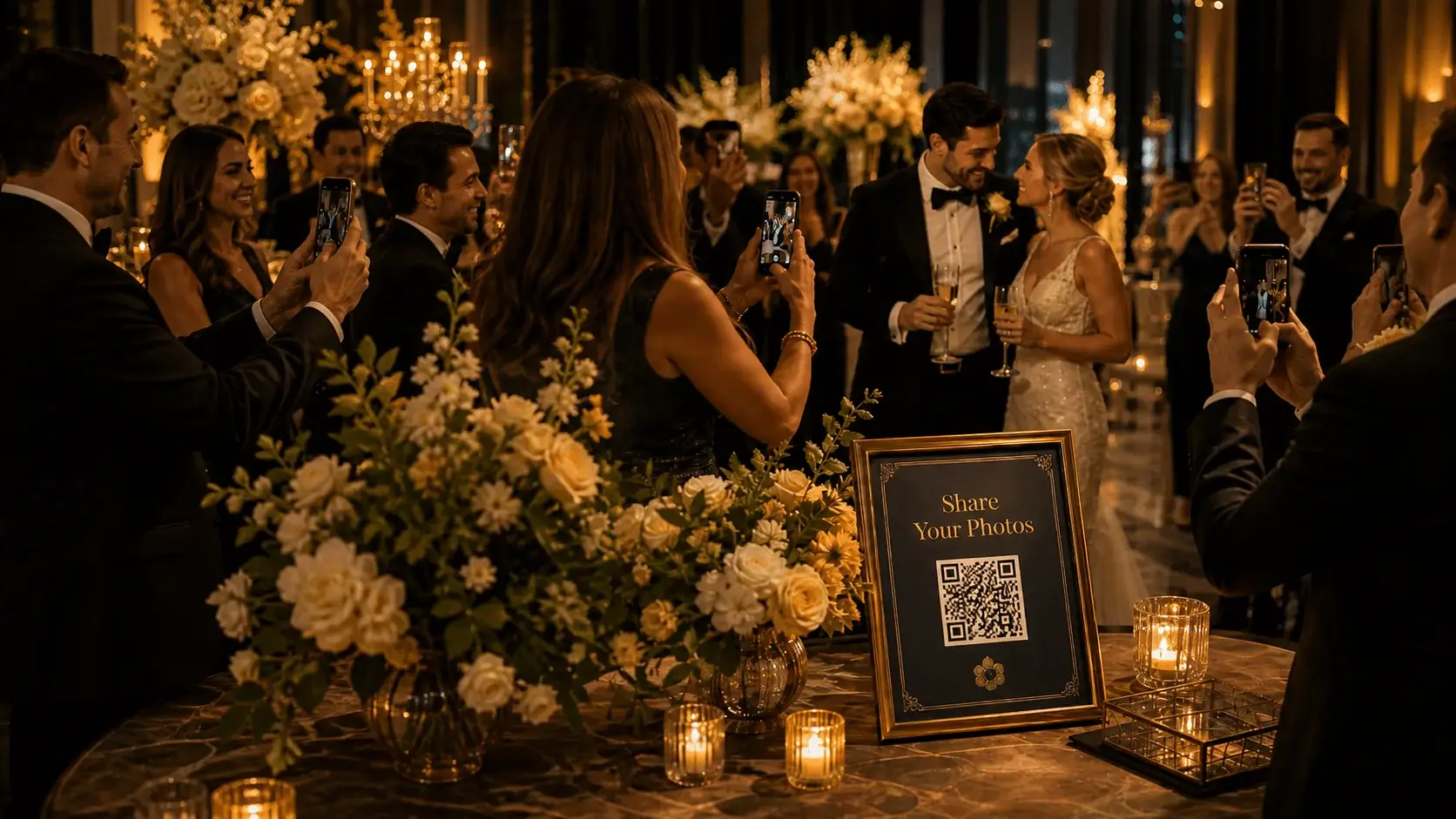
One QR Code
Display it at the reception, welcome table, or wedding weekend events.
Scan & Upload
Guests upload from their phone browser in seconds — no account needed.
Photos & Videos
Collect guest photos, reception clips, and candid moments.
Private Gallery
Keep everything organized in a private event gallery only you control.
Your guests capture the moments your photographer can’t.
The professional photos matter. But so do the hilarious dance floor clips, the behind-the-scenes selfies, the table photos, the cocktail hour candids, and the late-night memories your guests capture from every angle.
The problem? Those photos usually end up scattered across text messages, social media stories, camera rolls, and forgotten group chats.
- Guests forget to send their photos
- Group texts become messy and hard to manage
- Social media stories disappear
- Shared albums can feel confusing or require accounts
- Videos are often too large to text
HiveMoments keeps the celebration together.
Create a private wedding gallery, share one QR code, and let guests upload photos and videos directly from their phones. Everything lands in one organized place for you to enjoy after the wedding.
- Reception photos
- Guest selfies
- Dance floor videos
- Wedding weekend memories
- Digital guestbook moments
Collect wedding photos from guests in three easy steps.
HiveMoments is designed for real wedding guests — simple, fast, and friendly from the first scan to the final upload.
Create your wedding event
Set up your private HiveMoments gallery and customize the event details.
Share your QR code
Add the QR code to signs, invitations, programs, table cards, or your wedding website.
Guests upload memories
Guests scan, upload photos or videos, and help build your full wedding story.
A better way to collect every wedding memory.
HiveMoments gives couples a simple way to gather the candid photos, videos, and guest-created memories that make the day feel complete.
No app download
Guests do not need to install anything. They scan the QR code and upload from their phone browser.
Built for weddings
Perfect for ceremonies, receptions, rehearsal dinners, welcome parties, and wedding weekends.
Photo and video uploads
Collect both photos and videos, so you do not miss emotional speeches, dance floor clips, or candid moments.
Private event gallery
Keep guest uploads organized in one private gallery instead of scattered across texts and social apps.
Easy QR code sharing
Display your QR code on signs, table cards, invitations, programs, or your wedding website.
Digital guestbook ready
Let guests share memories, moments, and messages that go beyond a traditional guestbook.
Use it across your entire wedding celebration.
HiveMoments is not just for the reception. Use your wedding QR code anywhere guests are taking photos, recording videos, or sharing memories.
Hosting other celebrations too? The same private gallery helps you collect birthday party photos, gather baby shower memories, and capture corporate event photos.
- Engagement parties
- Bridal showers
- Bachelor and bachelorette weekends
- Rehearsal dinners
- Wedding ceremonies
- Wedding receptions
- After-parties
- Farewell brunches

More than a photo gallery — a digital wedding guestbook.
A traditional guestbook captures names. HiveMoments helps capture the feeling of the day.
Guests can share candid photos, short videos, and meaningful moments that become part of your wedding story. It is a modern digital guestbook built around the memories your guests are already creating.
- Capture guest photos and videos
- Preserve candid reception moments
- Collect memories from guests who saw the day from every angle
- Create a keepsake you can revisit long after the wedding
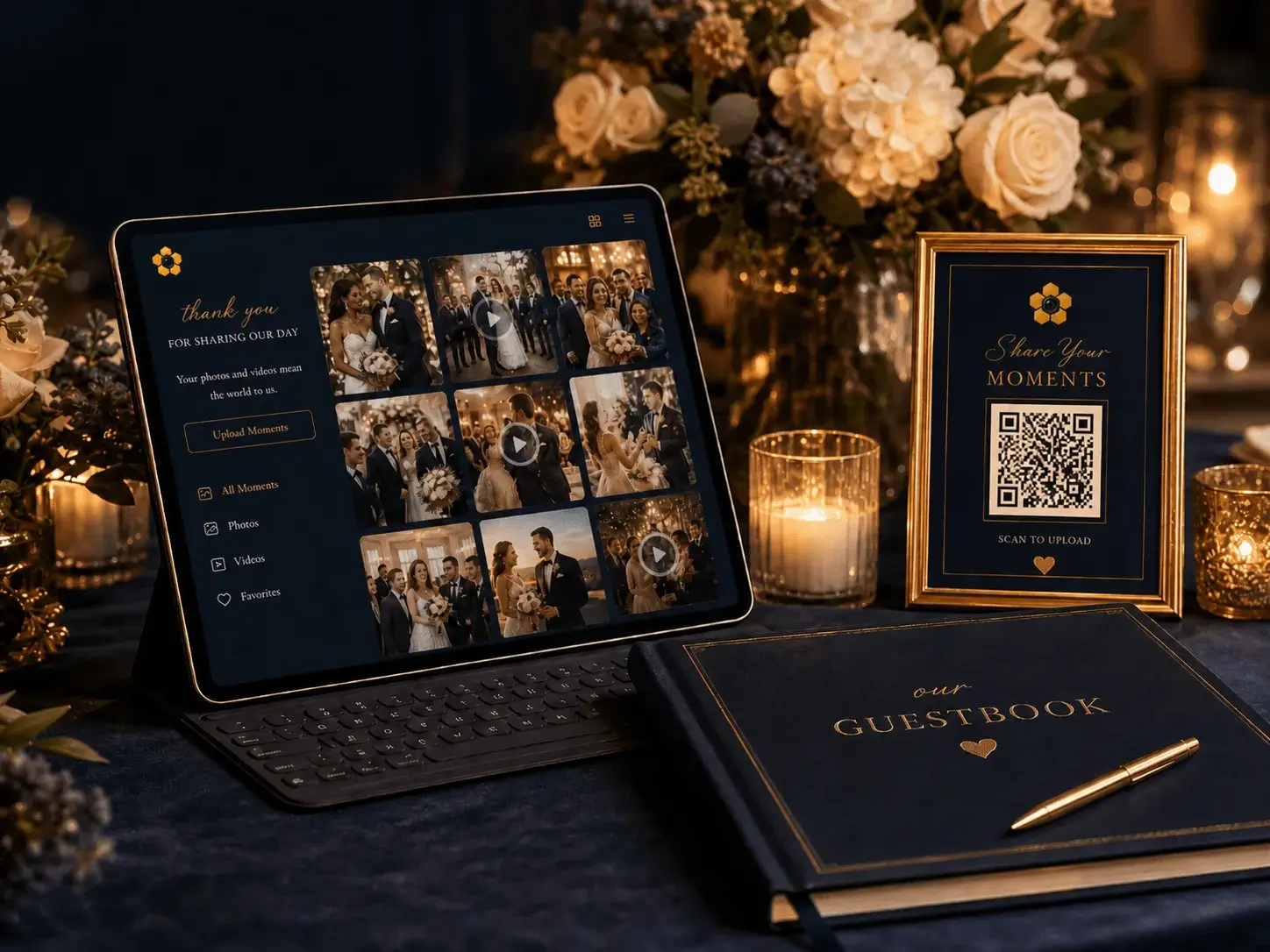
Simple enough for every guest.
The best wedding photo sharing tool is the one guests actually use. HiveMoments keeps the upload experience simple: scan, choose photos or videos, and submit.
Scan
Guests scan your wedding QR code from a sign, card, or invitation.
Upload
They select photos or videos from their phone.
Share
Their memories are added to your private wedding gallery.
No app. No account. No complicated instructions.
Why not just use a shared album or group text?
Shared albums and group messages can work for small groups, but weddings are different. You need something easy for every guest, organized for the couple, and designed around the event.
| Feature | HiveMoments | Group Texts | Shared Albums |
|---|---|---|---|
| No app required | Yes | Yes | Sometimes |
| Easy QR code access | Yes | No | Usually no |
| Built for weddings and events | Yes | No | No |
| Photos and videos in one place | Yes | Sometimes | Sometimes |
| Private wedding gallery | Yes | No | Sometimes |
| Simple for all guests | Yes | No | Depends |
| Works well for wedding signage | Yes | No | No |
No app required
Easy QR code access
Built for weddings and events
Photos and videos in one place
Private wedding gallery
Simple for all guests
Works well for wedding signage
HiveMoments gives your wedding guests one clear place to share memories — and gives you one organized gallery to enjoy afterward.
Collecting Wedding Guest Photos FAQs
01 How do I collect wedding guest photos?
The easiest way is to create a private wedding photo gallery and share it with guests using a QR code. With HiveMoments, guests scan the code, upload photos or videos from their phone, and everything is collected in one organized gallery.
02 Do guests need to download an app?
No. HiveMoments is designed so guests can upload from their phone browser. They simply scan your QR code and follow the upload steps.
03 Can guests upload videos too?
Yes. HiveMoments supports guest photo and video uploads, making it easier to collect reception clips, speeches, dance floor moments, and candid memories.
04 Where should I put my wedding photo QR code?
You can place your QR code on welcome signs, reception tables, bar signs, ceremony programs, invitations, wedding websites, favor tags, or thank-you cards.
05 Is HiveMoments private?
HiveMoments creates a private event gallery for your wedding. You control how the gallery is shared with guests and where the QR code is displayed.
06 Can I use HiveMoments for more than just the wedding reception?
Yes. You can use HiveMoments for engagement parties, bridal showers, rehearsal dinners, welcome parties, receptions, after-parties, and farewell brunches.
07 Is this different from a digital wedding guestbook?
HiveMoments can work alongside or as part of a digital wedding guestbook experience by collecting guest photos, videos, and memories in one place.
Start collecting the wedding photos your guests are already taking.
Create your private HiveMoments wedding gallery, share one simple QR code, and make it easy for every guest to upload photos, videos, and memories.