
Friendsgiving is the most relaxed holiday dinner of the year. Nobody has to impress the in-laws, the side dishes are a gamble, and someone always brings a dessert that nobody expected. It is also one of the easiest nights to lose track of photos, because everyone takes them and almost nobody shares them.
Here are Friendsgiving photo ideas that are simple enough for a casual dinner, and a quick way to get every picture into one place before the leftovers are gone.
Before Dinner
- The host's kitchen in full chaos. Pots on every burner, the oven timer going, someone stirring gravy. It is the real story of the night.
- The potluck lineup. Line up every dish before anyone touches it and take one wide shot of the whole spread.
- Each dish with the person who made it. A quick portrait of every cook with their contribution. Bonus points for the store-bought pie presented with pride.
- Table setting details. Place cards, candles, mismatched plates, the centerpiece someone found that morning.
- Arrivals at the door. Friends walking in with coats, wine and casserole dishes.
At the Table
- The big group shot. Do it before everyone sits down, while the table still looks good. Prop a phone on a shelf and use the timer so the host is in it too.
- The thankful round. If your group goes around the table sharing what they are thankful for, capture people mid-answer.
- The first bite reactions. Point a camera down the table as everyone starts eating.
- The carving moment. Whoever carves the turkey, ham or tofurky deserves a hero shot.
- The kids' table, or the adults acting like it. Every Friendsgiving has one corner that gets louder than the rest.
After Dinner
- The food coma couch. Everyone slumped on the sofa, one person still eating pie.
- Game time. Board games, cards, charades, or the football game on in the background.
- The dessert table. Pies, cookies and that one surprise dessert.
- The leftover handoff. Friends leaving with foil-wrapped plates and containers.
- The last photo of the night. The empty table, the candles burning down, the dishes waiting for tomorrow.
Make It a Photo Challenge
If you want more pictures, turn a few of these into a short challenge. Put a small card on the table with four or five prompts, such as "the best dish," "the funniest moment," "someone mid-laugh" and "the group before dessert." Keep the list short. A few clear prompts work better than a long checklist nobody reads.
How to Collect Everyone's Friendsgiving Photos
The usual plan is a group text that says "send me your pictures!" Then a few people send three blurry photos, someone sends 40, and the rest stay in camera rolls forever.
A shared event gallery with a QR code is simpler:
- Create a free event on HiveMoments before your friends arrive.
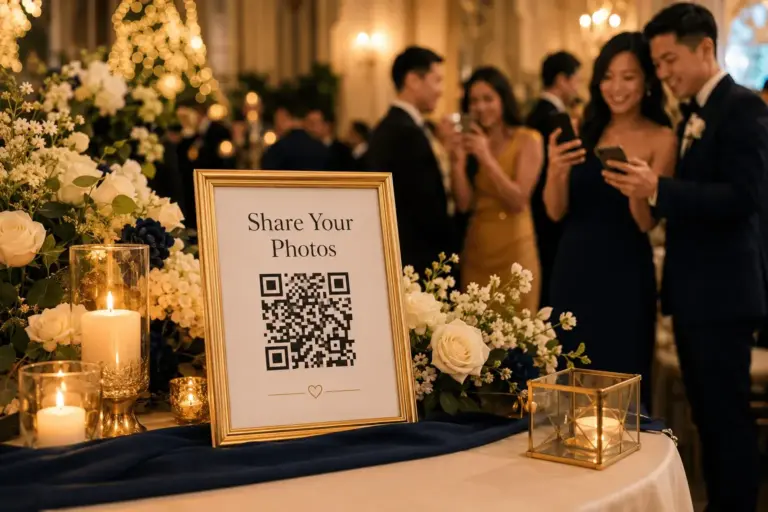
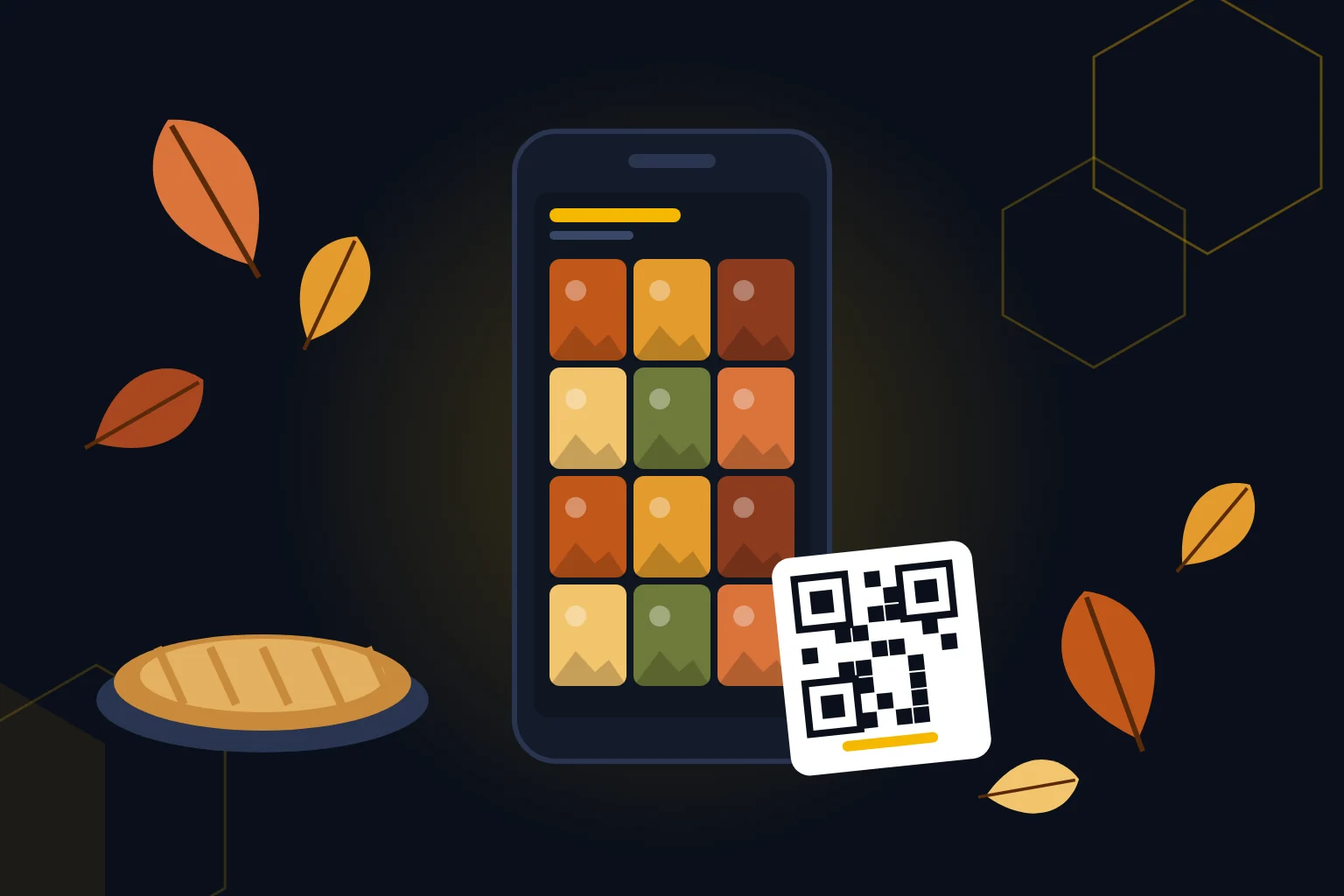
- Print the QR code or show it on a phone near the food or on the table.
- Friends scan it and upload straight from their phone's camera roll. There is no app to download.
- Everyone sees the photos in one gallery, and you can download them after the night.
The Free plan holds up to 100 photos, which is plenty for most Friendsgiving dinners. Guests can upload from 7 days before to 7 days after the event, so the friend who remembers on Sunday can still add theirs. If you want videos too, those start with the Starter plan. See how it works or compare plans.
Bring Friendsgiving Photos to Your Other Gatherings
The same idea works for every party this season. If you are planning a work or family get-together next, see our holiday party photo ideas or our guide to collecting birthday party photos.
Create your free Friendsgiving gallery
Friendsgiving Photo FAQ
What photos should you take at Friendsgiving?
Good Friendsgiving photos include the full potluck spread, each dish with the friend who made it, a group shot before everyone sits down, reactions during the thankful round, and the relaxed moments after dinner.
How do I get everyone's Friendsgiving photos in one place?
Create a HiveMoments event and put its QR code on the table. Friends scan it and upload photos from their phones into one shared gallery, with no app to download.
Is HiveMoments free for a small Friendsgiving?
Yes. The Free plan holds up to 100 photos, with uploads open from 7 days before to 7 days after your event and downloads for 14 days. Video uploads start with the Starter plan.
Can friends add photos after the dinner?
Yes. On the Free plan, guests can keep uploading for 7 days after the event. Paid plans keep uploads open longer.